
In remote training, you can't see what your trainees are doing. On-demand screen sharing lets you take a look — with their consent — to support each person just like in the room.
Get started for free →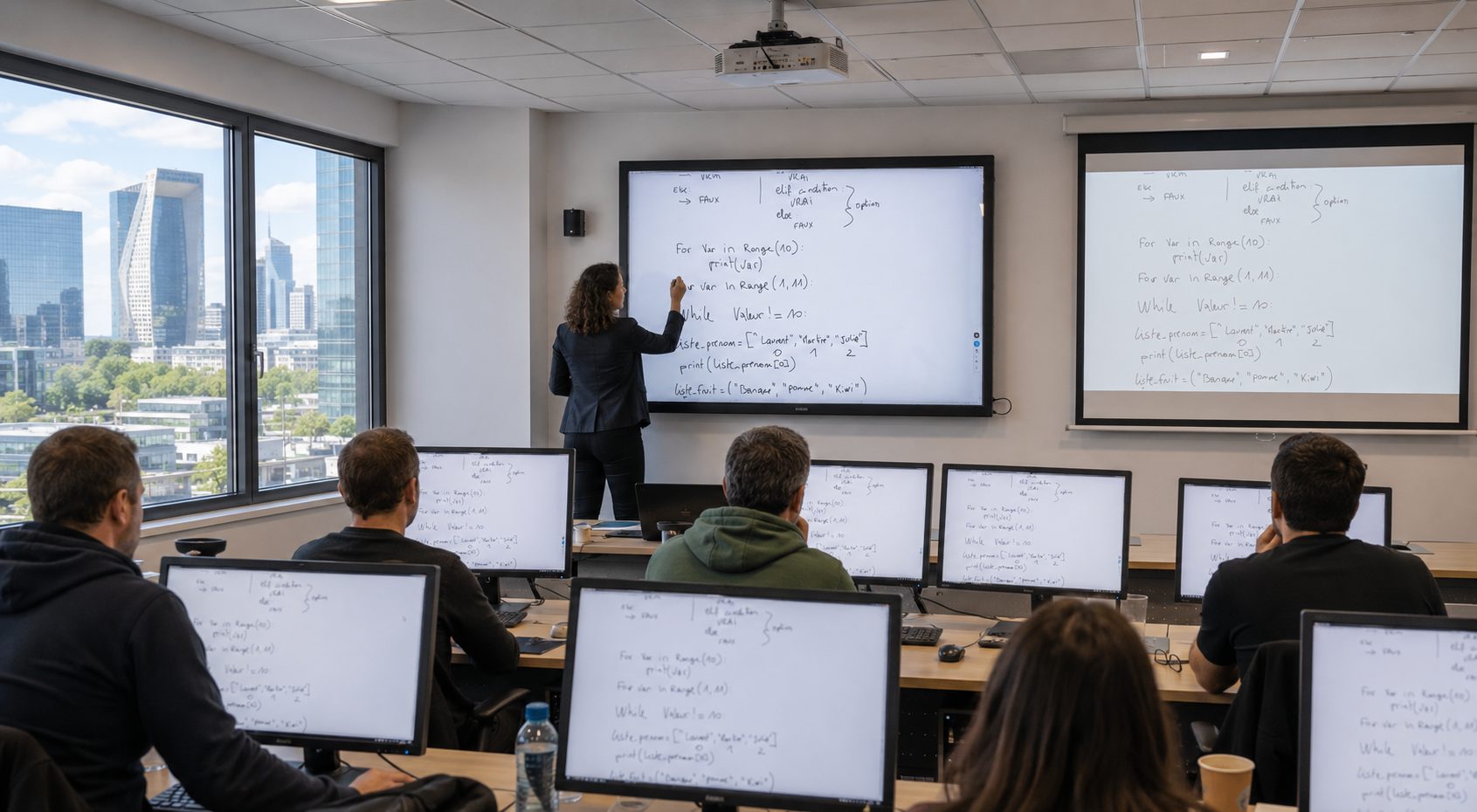


In person, a trainer walks around the room and sees at a glance who's keeping up, who's stuck, who's lost in another tab. Remotely, that view disappears: you speak without knowing whether the screen opposite shows the right exercise.
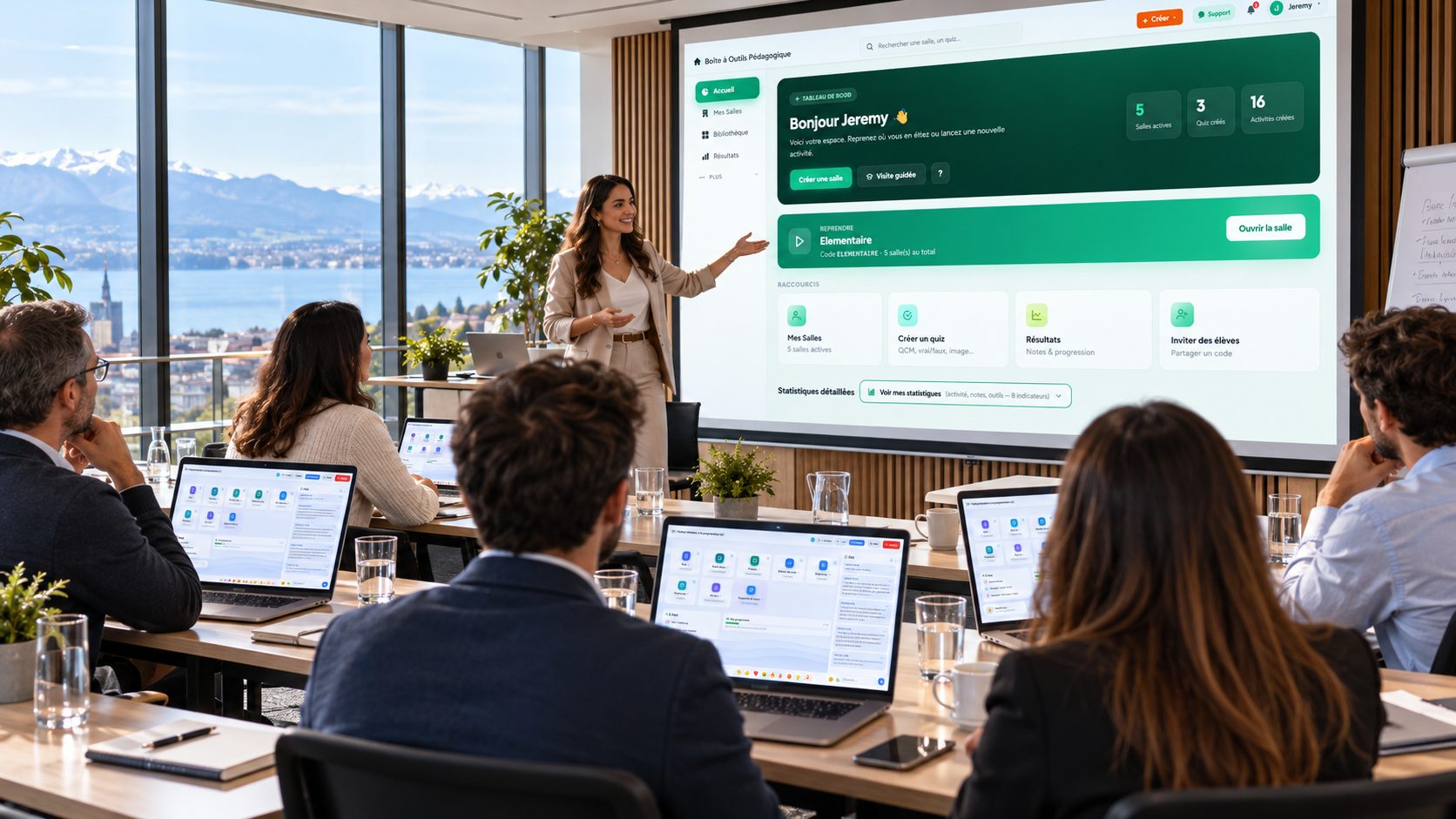
EduTools' trainee screen sharing restores that contact. On demand, and with the trainee's consent, you display their screen: you see where they are, you spot the mistake, you support them live.
Privacy is at the heart of the feature. The trainee explicitly authorises sharing: as long as they haven't agreed, their screen isn't accessible. They can revoke this permission at any time.
This consent-based approach sets EduTools apart from monitoring tools: it's not about spying, but about offering support — like a trainer leaning over a learner's shoulder, except this one has given their consent.
Show a trainee's screen whenever you need to help them.
The trainee authorises sharing; they can revoke it at any time.
See who's following the exercise and who got lost along the way.
Guide a learner live, just like in person.
No screen is visible without the trainee's explicit consent.
Everything happens in the browser, with no third-party software.
Asking for a participant's screen, and checking the network before you start.
The list only shows people actually present in the room. You click “View”: the participant gets a request they accept or decline, and only one person shares at a time.
A corporate network sometimes blocks sharing. The test takes a few seconds, says what gets through and what does not, and names the addresses to allow if IT has to step in.
One platform instead of your slide deck, your quiz tool, your forms, your file storage and your attendance sheet.
No more scattered tools!
Create your free account in minutes. No credit card, no install required for your participants.
Get started for free →