
Take the pulse of the room in seconds. Ask a question, your participants answer from their phone, and the results appear in real time on screen.
Get started for free →

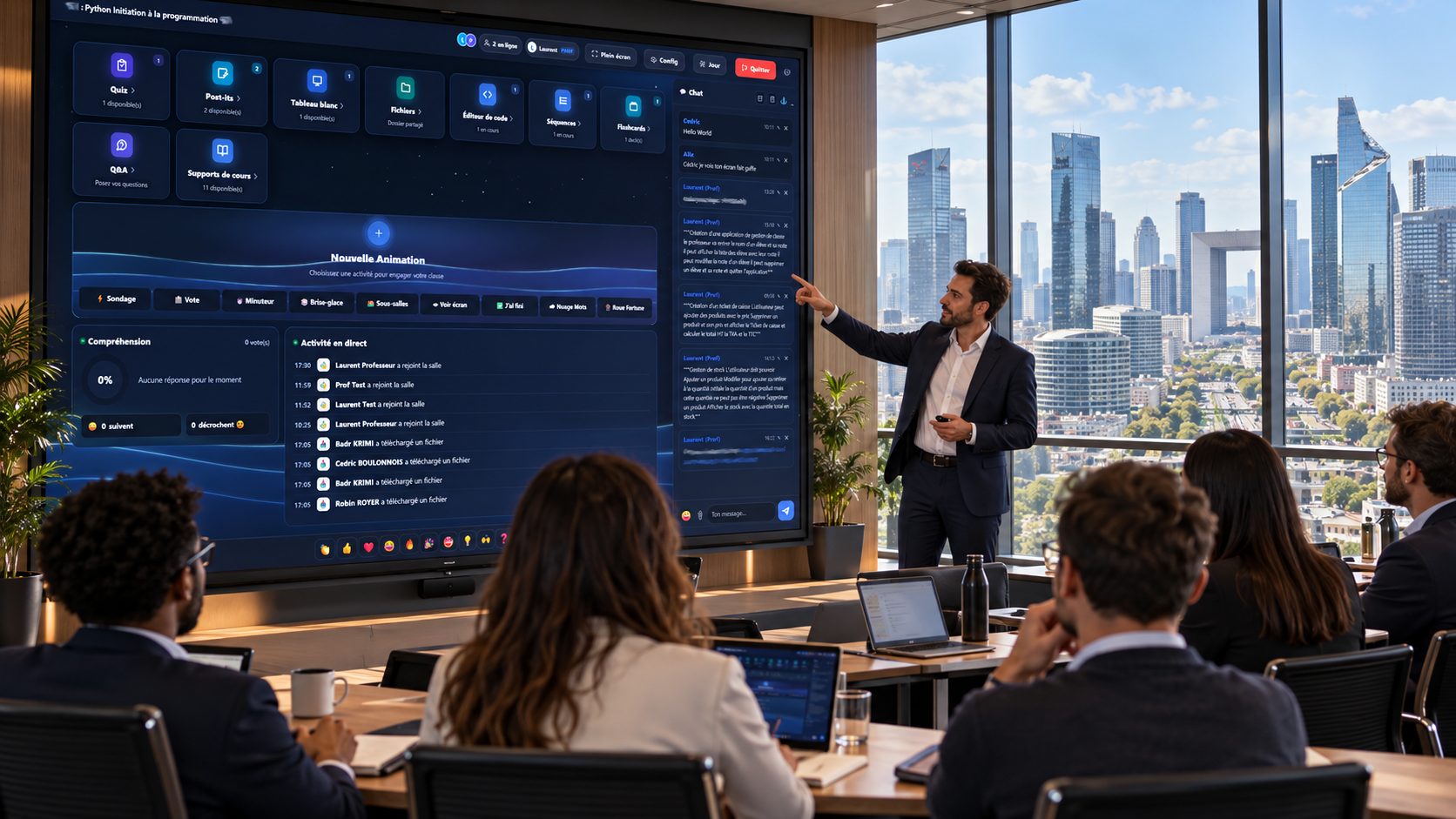
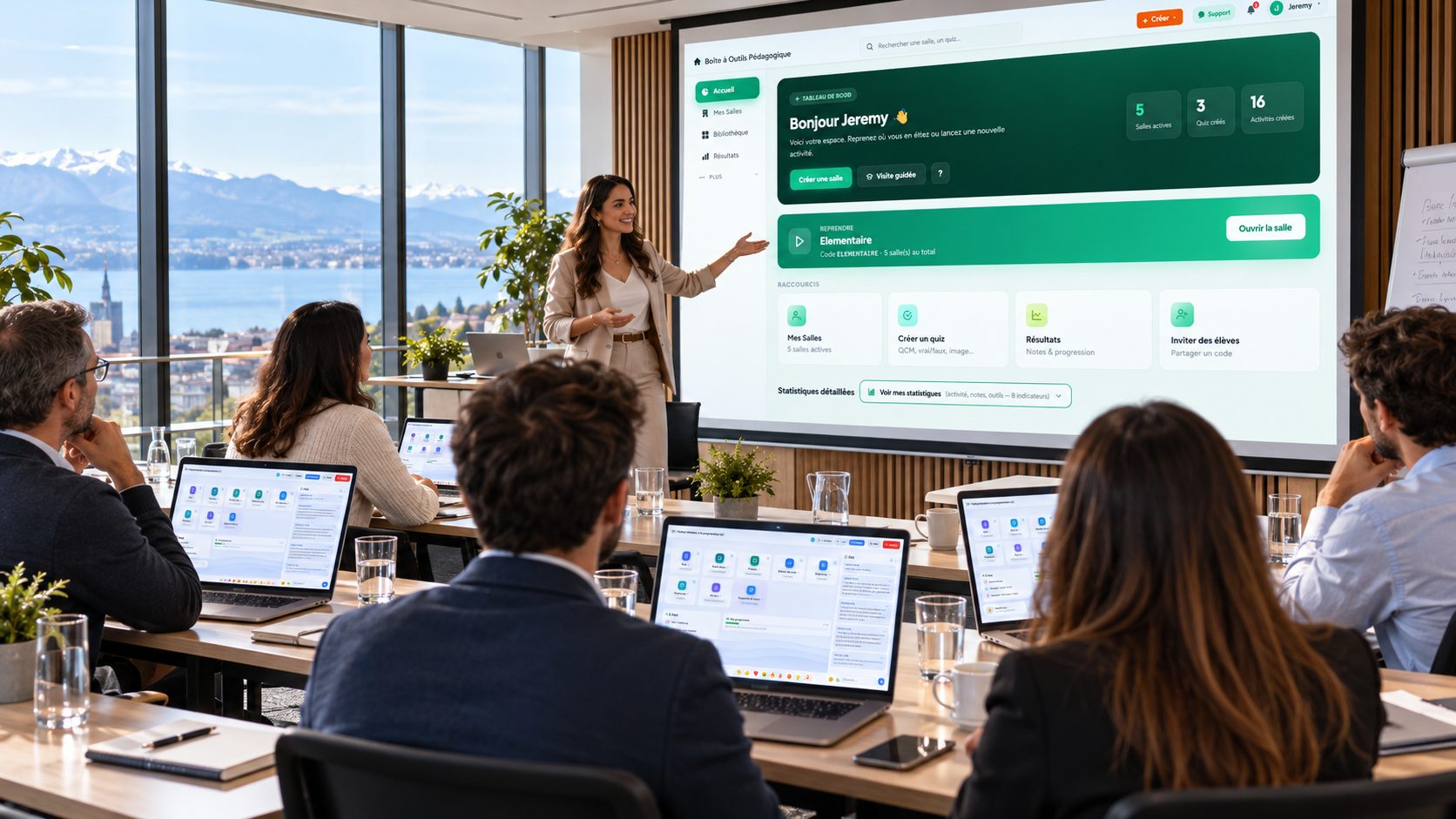
A live poll, or interactive vote, is a question put to an audience during a session that everyone answers instantly from their device. The results appear in real time, creating a shared moment of attention and reviving focus.
With EduTools, a flash poll launches in seconds in the middle of a meeting, a class or a seminar. Your participants answer with a code, with no app to install.
Depending on what you want to know, pick the right format: single- or multiple-choice MCQ, agreement scale, simple yes/no, or a free word that feeds a word cloud projected live.
The live poll is just as good for checking understanding as for gathering an opinion, sparking a debate or surfacing a group's ideas before tackling a topic.
One question, one code, answers in seconds.
Votes appear live, before your eyes and the room's.
Free answers form a projectable word cloud.
MCQ, scale, yes/no, free word: the right format for every question.
Each participant votes from their own device, with no install.
Anonymous voting frees up speech, even on sensitive topics.
A question asked in ten seconds, the participant's screen, and the count filling up.
Type the question, pick multiple choice, yes/no, a 1-to-5 scale or a free word, add your options and publish. The room gets it straight away.
Nothing to install, nothing to look for: the question appears in the room, the participant taps an answer, done.
The bars rise as answers come in. You see at a glance what the group understood — and projector mode shows the same screen full size.
See what changes, point by point, before you switch.
One platform instead of your slide deck, your quiz tool, your forms, your file storage and your attendance sheet.
No more scattered tools!
Create your free account in minutes. No credit card, no install required for your participants.
Get started for free →