
Stop juggling ten apps. EduTools gives you a single professional platform to design, run and track your trainings — without complex infrastructure.
Manage your training records directly in EduTools, with no spreadsheet or third-party tool — included in the Premium plan.
Half-day attendance sheets, on-screen signature (QR or link) and archive-ready PDF export — no more paper.
On-the-spot Qualiopi-style survey (ratings, NPS, comments) sent to your learners, with an automatic PDF report.
A handpicked selection of the most useful features for your craft.
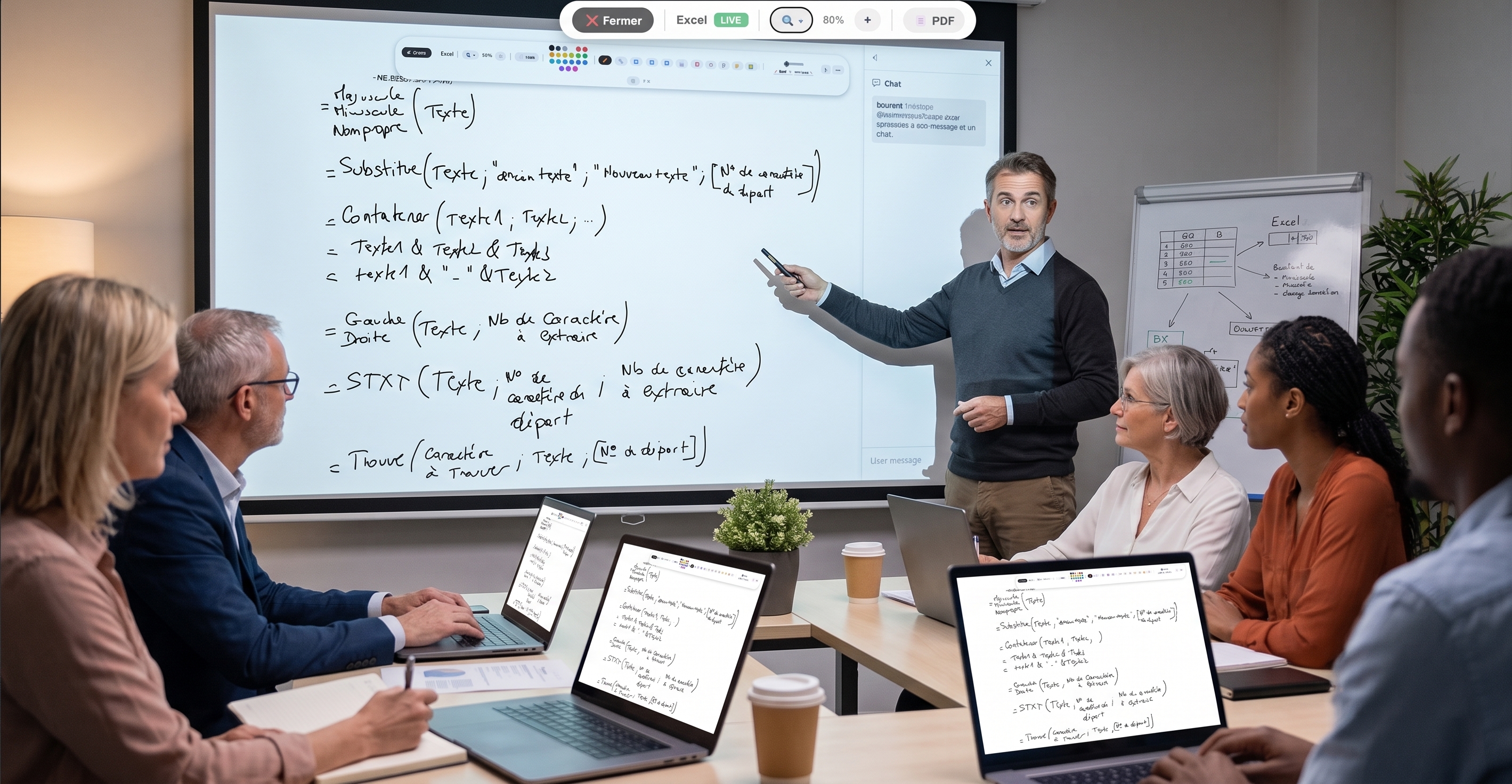
PDF presentation with live annotations (shapes, eraser, highlighter). Your audience follows in real time.
6 question types including MCQ, matching and click-on-image. Individual tracking per participant.
Two-sided memory cards to reinforce retention between your sessions.
Kahoot-style show mode — PIN code, live ranking, final podium.
One-click random draw to start a discussion or pick a spokesperson.
Free drawing, shapes, 20+ colors. Ideal for visual explanations.
Videos with timed questions — auto-pause, validation required to resume.
Visible time banner, audible alert. Frame each exercise efficiently.
A board where you can drop sticky notes, edit them, copy their content, or export them as PDF or Word.
As a freelance trainer, your prep time isn't billable. Stacking subscriptions — one tool for quizzes, another for polls, a third for sharing documents — costs you money and breaks your flow. EduTools brings all these teaching tools into one platform: you design a training, you run it and you track results without ever switching apps.
Your clients, on their side, have nothing to install or sign up for. They join your virtual room with a simple code, from a computer, tablet or phone. It's a concrete commercial argument: a smooth, professional experience that adds value to your service from minute one.
Creating an interactive quiz takes a few minutes: type your questions and pick from six answer types — multiple choice, true/false, open answer, fill-in-the-blanks, matching and, new, click-on-image, where the participant clicks the right area of a photo or diagram directly. In person or remote, Live Quiz turns assessment into an engagement moment, with live ranking and final podium.
For remote trainings, synchronised slides, whiteboard and interactive videos reproduce the richness of a physical room. Each participant follows your presentation in real time, and you keep individual track of their progress — useful for showcasing the quality of your services.
Plans tailored for Freelance trainers. Upgradable any time.
More than 1 accounts, or need dedicated hosting? Let's talk about your project
One platform instead of your slide deck, your quiz tool, your forms, your file storage and your attendance sheet.
No more scattered tools!
Get started in minutes. No credit card for the free plan, no install required for your participants.
Get started for free →