
Companies

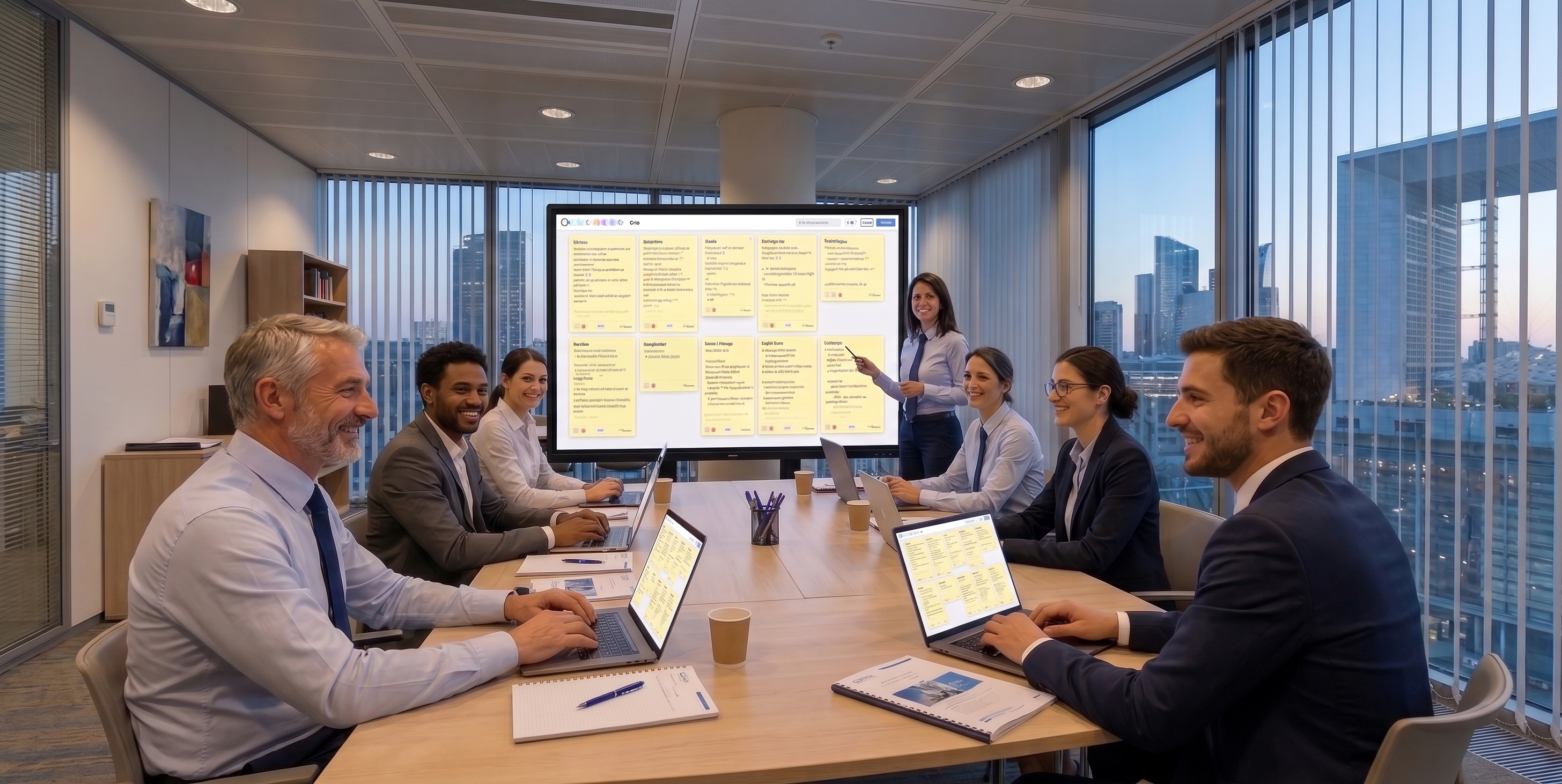
Run your meetings and your internal trainings.

All-in-one platform for onboarding, seminars, committees and internal trainings. Engage your teams — without separate Mentimeter, Miro or Kahoot.
Try it on a real meeting →
  • No credit card
  • Free with no time limit
  • Account created in under a minute
  • Your participants need no account
30 tools in a single room Compliance attendance and satisfaction included EU hosted in the EU with OVH, GDPR compliant Export your data retrievable at any time

Here is what your current setup costs you

None of this is serious on its own. It is simply repeated in every meeting, by every host, all year long.

Today

  • The minutes get written afterwards — and often never The meeting ends, everyone leaves, and someone promises to write up the decisions. By the time it lands, three days later, half of them have already been relitigated in the corridor.
  • Three tools, three subscriptions, three invoices One tool for polls, another for the whiteboard, a shared drive for documents. That many accounts to open and close, and that many places to look for what was said.
  • The people who say nothing stay invisible In a room of twenty, three speak. The other seventeen have a view, and you leave without having heard it — or even knowing it existed.

With EduTools

  • The decision log exists by the time the room empties.
  • One invoice, one place where everything lives.
  • The other seventeen answer too: polls, votes and written questions.

A 45-minute meeting, from the join code to the decision log

Not a feature list: the actual run of a session, with each tool named at the moment it is used.

  1. 00:00

    All twenty attendees join with a code. Nothing to install, no account to create, no address to give.

    Room
  2. 00:03

    “On a scale of 1 to 5, where is your team?” The result appears live, and everyone sees it at the same moment.

    Instant poll
  3. 00:12

    Questions come in writing and others vote on them. The useful ones rise on their own; the rest stay at the bottom.

    Moderated Q&A
  4. 00:20

    Four breakout groups, four notepads, ten minutes. Everyone works without waiting for their turn to speak.

    Breakout sessions
  5. 00:32

    Report back: the four groups' ideas fall into a shared tree, in front of everyone.

    Mind maps
  6. 00:38

    The action plan lines up as “To do / Doing / Done”, with a name against each line.

    Shared kanban
  7. 00:45

    The meeting ends. The minutes are already written: they were produced during the session, by the attendees themselves.

    Collaborative notes

When the meeting ends, the minutes exist. Nobody will write them up tonight.

What changes

Tools dedicated to team facilitation

The features most used in corporate meetings and internal trainings.

⚡

Flash poll

Take the room's pulse in 10 seconds. Multiple choice, scale, yes/no, free text.

💬

Moderated Q&A

Participants ask written questions and vote for the best ones. Ideal for large sessions.

🏘️

Breakout sessions

Group breakouts with dedicated notepad + chat. Perfect for workshops.

👏

Floating emojis

Live reactions animated on every screen. Engagement without interruption.

📓

Collaborative notes

Document edited simultaneously. Collective note-taking by learners.

📋

Shared kanban

To do / In progress / Done. Run your action plans live.

🧠

Mind maps

Structure lessons as collaborative trees. Visual memorization.

🎮

Live Quiz

Kahoot-style show mode — PIN code, live ranking, final podium.

🃏

Flashcards

Two-sided memory cards to reinforce retention between your sessions.

See all 21 EduTools tools →

Run a meeting or seminar that sticks

A top-down meeting loses attention within minutes. With a live poll, moderated Q&A or floating emojis, you turn your team members into active participants. You take the room's pulse in real time and your decisions rest on concrete feedback, not polite silences.

For seminars and large internal events, the platform holds up: polls, quizzes and Q&A stay smooth even with hundreds of participants connected simultaneously.

Interactive onboarding and internal trainings

A successful onboarding is prepared. Compose learning paths — interactive videos, quizzes, flashcards — that new hires follow at their pace, with individual progress tracking. Internal training becomes measurable.

Everything happens in the browser: no software to deploy on workstations, no burden on IT. Your teams join a session with a code, whether at the office, working from home or in the field.

Frequently asked questions

Do participants need to install software?
No. EduTools runs directly in the browser, from computer, tablet or smartphone. Your team members join the session with a room code, with no sign-up or install.
Does EduTools handle seminars of several hundred people?
Yes. The platform is sized to handle high-volume sessions: Live Quiz, flash polls, moderated Q&A and floating emojis stay smooth even at large internal events.
Can we integrate EduTools into an onboarding path?
Yes. You can prepare learning paths in advance (interactive videos, quizzes, flashcards) that new hires follow at their pace, with individual progress tracking.
Is the exchanged data GDPR-compliant?
Yes. EduTools is hosted in France (OVH), GDPR-compliant. No data is shared with third parties. Your internal content (notes, kanbans, mindmaps) stays confidential within your company.
Does EduTools replace Mentimeter, Klaxoon or Beekast?
For most use cases: yes. Flash polls, interactive quizzes, post-it wall, word cloud and moderated Q&A are natively built in. EduTools additionally offers breakout rooms, shared kanban, mind maps and learning paths — useful for internal trainings beyond simple workshop facilitation.
How many users are included in a company account?
The company account includes multiple host accounts (the number depends on the plan) and an adjustable participant volume per session. A personalised demo helps size the offer to your activity (weekly meetings, yearly seminars, continuous onboarding programme).
Can we integrate EduTools into our internal tools (Teams, Slack, intranet)?
You can share a room URL in any channel (Teams, Slack, intranet, email) or embed a room as an iframe in an internal page. CSV exports let you feed results into an in-house BI tool. No native SSO integration today, but the roadmap includes SAML/OIDC for enterprise accounts.
How do we guarantee the confidentiality of our internal content?
Room content is strictly isolated to your account perimeter (tenant isolation). EduTools is hosted in France (OVH), GDPR-compliant, with no third-party sharing. Private rooms require an access code, and you can delete any data on demand. For sensitive content, the enterprise plan offers additional options for encrypted archiving.
Can we pay by invoice or purchase order?
Online payment is by card, and the subscription starts immediately. For a purchase order, a quote or centralised annual billing, use “Let's talk about your project”: we will issue the document your procurement team needs.
Where is our data, and how do we get it back if we leave?
Data is hosted in France, with OVH. You can export your quizzes, minutes, results and documents at any time. Nothing is held back: the export works just as well on the day you decide to leave.
Do we need IT approval? What has to be opened on the network?
Nothing to install, neither on your machines nor on your attendees': EduTools runs in the browser over HTTPS on port 443, like any website. Screen sharing additionally uses a relay on ports 50000 to 50100. If your IT department wants a technical sheet, ask us for one.

Choose your plan

Plans tailored for Companies. Upgradable any time.

More than 50 accounts, or need dedicated hosting?

WHY EDU-TOOLS?

Everything you need to
run, teach, track and prove

One platform instead of your slide deck, your quiz tool, your forms, your file storage and your attendance sheet.

No more scattered tools!

  • Microsoft PowerPoint
  • Kahoot!
  • Google Forms
  • Google Drive
  • YouTube
  • Microsoft Excel
  • Too many different tools
  • Time lost switching between them
  • Scattered data you cannot cross-check
  • Compliance records to rebuild by hand

Ready to transform your sessions?

Get started in minutes. No credit card for the free plan, no install required for your participants.

💬 Contact us

A question, a suggestion, a partnership? Write to us — we reply within 2 business days.