Schools & universities

A pedagogical toolbox to engage your students.

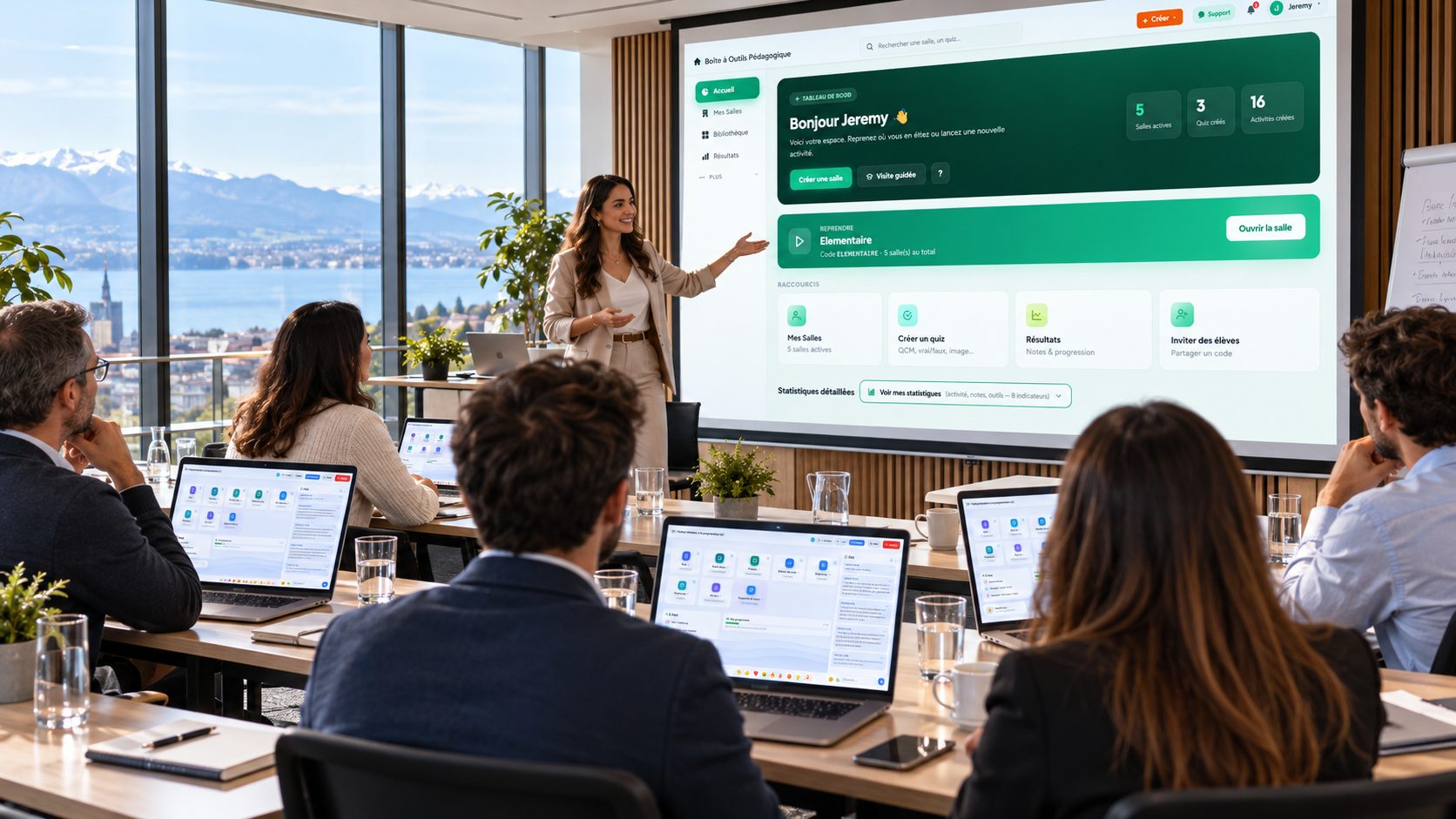
Give your teachers all the interactive tools in a single platform — with nothing for students to install, and no heavy training for your teams.

Try it on a real lesson →
  • No credit card
  • Free with no time limit
  • Account created in under a minute
  • Your participants need no account
30 tools in a single room Compliance attendance and satisfaction included EU hosted in the EU with OVH, GDPR compliant Export your data retrievable at any time

Here is what your lesson hour currently costs

None of this is insurmountable. It is simply repeated in every lesson, in every class, all year long.

Today

  • The lesson starts ten minutes late Getting thirty pupils to install anything means ten minutes lost, forgotten accounts and two or three who never manage it. And it starts again next lesson.
  • Some pupils are excluded before they begin No email address, no phone, no account set up by their parents: the activity starts without them. It is never a random few, and rarely the ones who are doing fine.
  • The hour's work leaves with the board What the class built together is wiped at the bell. The written record is redone at home, from memory, and nobody recovers the exact state of the thinking.

With EduTools

  • The lesson starts on time: a code on the board, nothing to install.
  • No account, no email address: nobody is left out.
  • The hour's work stays online and reopens as it was next week.

One lesson hour, from the join code to the written record

Not a feature list: the actual run of a lesson, with each tool named at the moment it is used.

  1. 10:00

    The class joins with a code shown on the board. No pupil creates an account, no pupil gives an email address.

    Classroom
  2. 10:04

    “What does this word bring to mind?” Their first impressions appear on the projector, anonymously.

    Word cloud
  3. 10:12

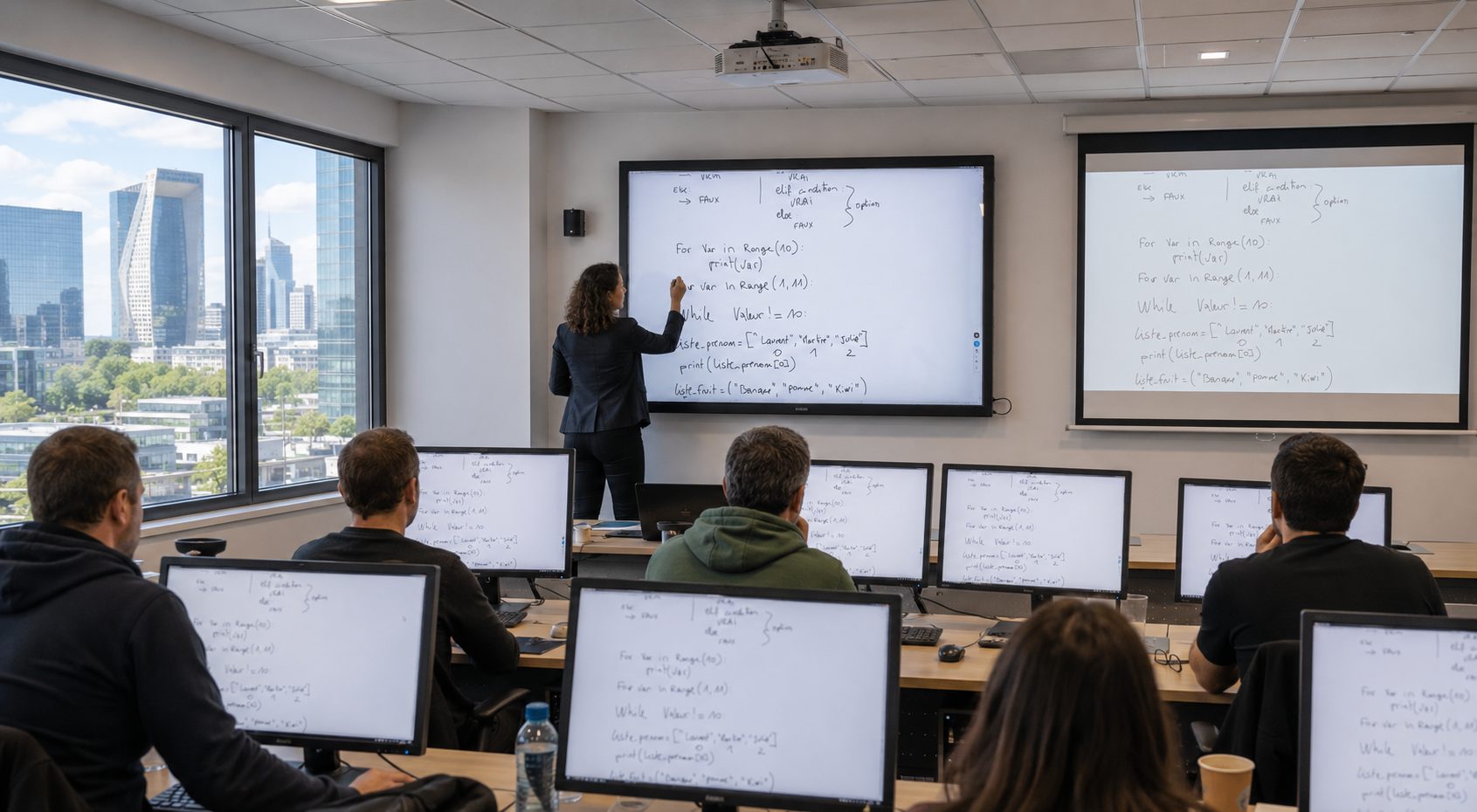
    The concept is explained on the shared board. Those at the back see exactly what the front row sees, on their own screen.

    Whiteboard
  4. 10:25

    Pupils who are losing the thread say so without raising a hand. You see it during the lesson, not when marking.

    Comprehension meter
  5. 10:30

    Oral questioning, drawn at random. No more “always the same ones”, and no more hands up to avoid your eye.

    Spin the wheel
  6. 10:38

    Quick check: multiple choice, fill in the blanks. Each pupil's score is computed server-side and kept.

    Quizzes and cloze tests
  7. 10:48

    The lesson is structured as a tree, built by the class rather than copied down.

    Mind maps
  8. 10:55

    The bell. The written record stays online and reopens exactly as it was next week.

    Collaborative notes

At the bell, the written record exists — and you already know who was losing the thread.

What changes

Tools dedicated to teaching

The most useful features for class and autonomous work.

❓

Interactive quizzes

6 question types including MCQ, matching and click-on-image. Individual tracking per participant.

🧠

Mind maps

Structure lessons as collaborative trees. Visual memorization.

✅

Comprehension meter

Learners silently signal "I follow" or "I'm lost". Live gauge.

🎲

Icebreaker

One-click random draw to start a discussion or pick a spokesperson.

📓

Collaborative notes

Document edited simultaneously. Collective note-taking by learners.

🎨

Whiteboard

Free drawing, shapes, 20+ colors. Ideal for visual explanations.

🎰

Wheel of fortune

Playful random draw to question or pick a volunteer.

☁️

Word cloud

Gather initial perceptions of a topic, live on the projector.

👏

Floating emojis

Live reactions animated on every screen. Engagement without interruption.

See all 25 EduTools tools →

Digital tools to make class interactive

Capturing the attention of a whole class is a daily challenge. EduTools' digital tools — quizzes, word cloud, mind maps, whiteboard — turn a lecture into a participatory sequence where each student acts rather than endures. The teacher keeps the lead, the students get involved.

No install is required from students: they join the activity with a code, from the classroom computer, a tablet or their BYOD phone. The platform works equally well with a projector or an interactive whiteboard, from middle school to university.

Assess and engage without leaving anyone behind

The comprehension meter lets shy students signal discreetly that they're falling behind: the teacher adjusts the pace without interrupting the course. The icebreaker and wheel of fortune make questioning fair and take the pressure off speaking up.

On the assessment side, quizzes and fill-in-the-blanks correct themselves and give immediate feedback to the student. You save correction time and get an accurate picture of the class's achievements, student by student.

Frequently asked questions

Is EduTools suitable for all school age groups?
Yes. The platform is used from middle school to university. The activities (quizzes, flashcards, mindmap, whiteboards) adapt to the level taught. No account creation is required from students: they join the room with a simple code.
Is student data protected?
Yes. EduTools is hosted in France (OVH) and GDPR-compliant. No student data is resold to third parties. The institution remains responsible for its content and can delete data at any time.
Can multiple teachers share the same institution account?
Yes. The Institution plan lets you create multiple teacher accounts under one admin, with shared question banks and an overall dashboard for management.
Does EduTools work on student tablets or phones?
Yes. The platform is 100% responsive web: it works on computer, tablet and smartphone via the browser, with no install. Ideal for BYOD-equipped classrooms or tablet carts.
Can EduTools replace Pronote or our digital workspace?
No. EduTools is not a school information system. It complements your digital workspace for in-class pedagogical facilitation (quizzes, mind maps, whiteboard, word cloud) — where Pronote, Sacoche or other school admin tools have little or no coverage.
How long does it take to train our teachers on EduTools?
The interface is designed for a 15-minute start: a built-in guided tour walks through the main features on first login. A 30-minute demo is then enough for a teacher to be autonomous on creating a quiz and running a room. French pedagogical support backs your teams at launch.
Is the free plan enough for regular classroom use?
For occasional use by a single teacher, yes. For regular use across multiple classes or several teachers, the Institution plan is more suitable: it lifts caps on rooms, quizzes and storage, and enables question-bank sharing between teachers.
Is EduTools accessible to students with disabilities?
The platform follows web accessibility standards (contrast, keyboard navigation, screen reader support on most activities). Some highly visual activities (mind maps, whiteboard) remain partially accessible; quizzes, polls and flashcards are fully usable via keyboard and screen reader.
Can we pay by invoice, public order or purchase order?
Online payment is by card, and the subscription starts immediately. For a public payment order, a quote or billing to the school, use “Let's talk about your school”: we will issue the document your bursar needs.
What do we sign towards families? Do pupils have an account?
In an open room, a pupil joins with a code and a first name: no account, no email address, no contact data. In a private room, you enrol your pupils yourself to follow their progress over time, and you decide what data it holds. Data is hosted in France, with OVH, and exportable at any time.
Do we need IT approval? What has to be opened on the network?
Nothing to install, neither on the school's machines nor on the pupils': EduTools runs in the browser over HTTPS on port 443, like any website. Screen sharing additionally uses a relay on ports 50000 to 50100. If your IT service wants a technical sheet, ask us for one.

Choose your plan

Plans tailored for Schools & universities. Upgradable any time.

More than 30 accounts, or need dedicated hosting?

WHY EDU-TOOLS?

Everything you need to
run, teach, track and prove

One platform instead of your slide deck, your quiz tool, your forms, your file storage and your attendance sheet.

No more scattered tools!

  • Microsoft PowerPoint
  • Kahoot!
  • Google Forms
  • Google Drive
  • YouTube
  • Microsoft Excel
  • Too many different tools
  • Time lost switching between them
  • Scattered data you cannot cross-check
  • Compliance records to rebuild by hand

Ready to transform your sessions?

Get started in minutes. No credit card for the free plan, no install required for your participants.

💬 Contact us

A question, a suggestion, a partnership? Write to us — we reply within 2 business days.