
Add validation questions between your slides: learners go through your presentation at their own pace and prove what they retained. The simplest way to turn a slide deck into a real training activity.
Get started for free →



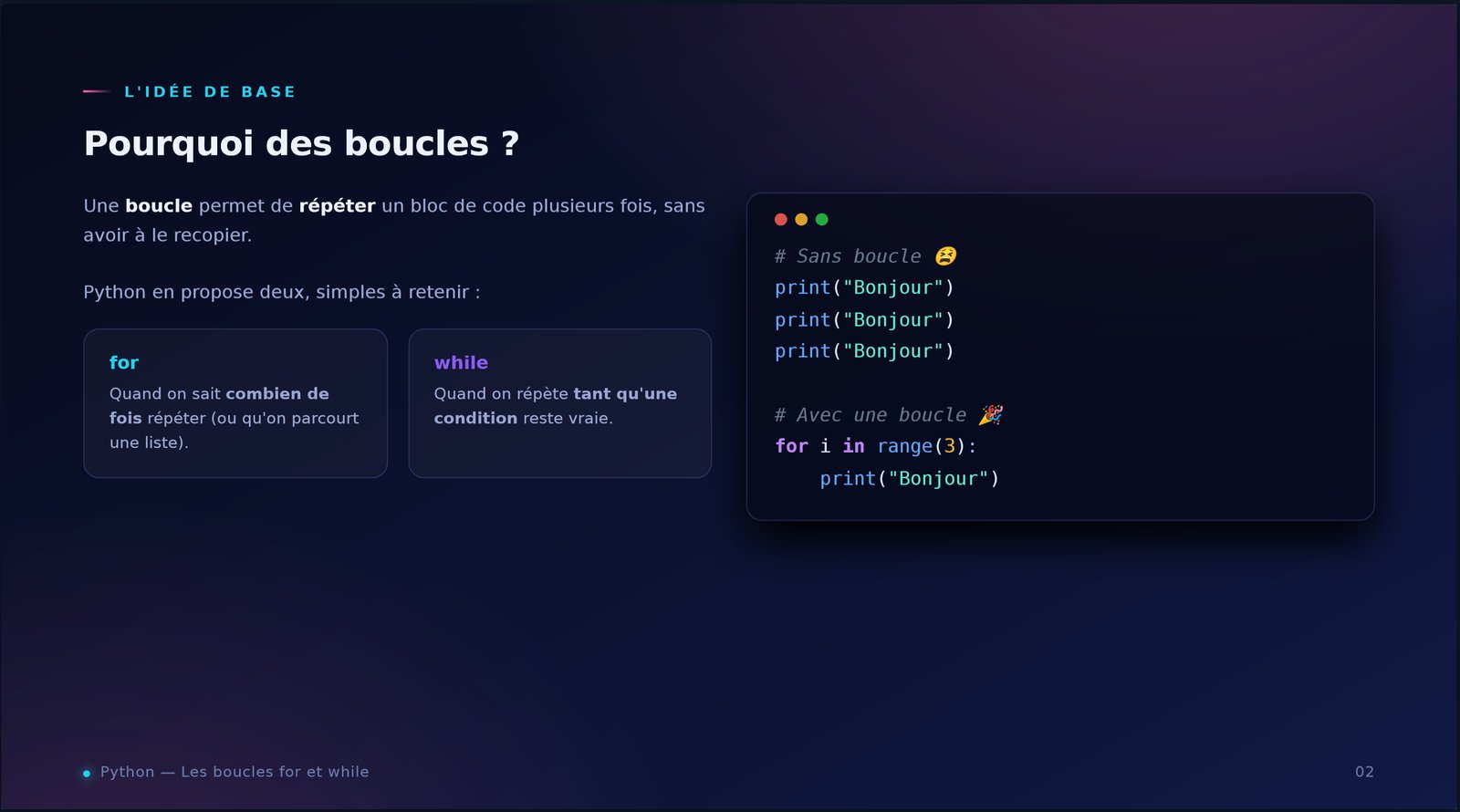
Quelle boucle répète un bloc un nombre connu de fois ?
Bonne réponse — la présentation continue 🎉
A guided course is an interactive presentation: you start from a slide deck and insert validation questions into it. Learners go through the course at their own pace, answer questions to move on, and get a score at the end. Learning and knowledge checks are combined into a single self-paced activity.
Unlike a presentation you simply share, a guided course verifies that the content was absorbed: you can't skim the slides without answering. And unlike a standalone quiz, the question appears right after the explanation, when it matters most.
A question asked right after a concept anchors learning far better than a test at the very end. The guided course leverages this effect: each chapter of your deck is validated immediately, learners get instant feedback and move on with solid foundations.
With EduTools you reuse a presentation you've already uploaded, add your questions “after slide N” (MCQ, true/false, fill-in-the-blanks) and you're done. Learners access it from a simple link or QR code, or inside a room — on computer, tablet or mobile, with nothing to install. Every attempt is scored automatically.
Start from an existing deck: it becomes the backbone of the course. No need to rebuild anything.
MCQ, true/false and fill-in-the-blanks, placed after the slide of your choice or at the end.
Answers are graded by the server, with instant feedback. No manual correction.
Each attempt yields a score. A per-learner report, usable as Qualiopi-friendly proof of knowledge.
Share a link or QR code, or embed the course in a room: learners join in one click, no account.
Runs in the browser, on any device. Nothing to install, for you or your learners.
One platform instead of your slide deck, your quiz tool, your forms, your file storage and your attendance sheet.
No more scattered tools!
Create your free account in minutes. No credit card, no install required for your participants.
Get started for free →