
Bring your students or trainees together in one online space where everything happens: presentation, quizzes, whiteboard, chat and documents. A single code to share, nothing to install.
Get started for free →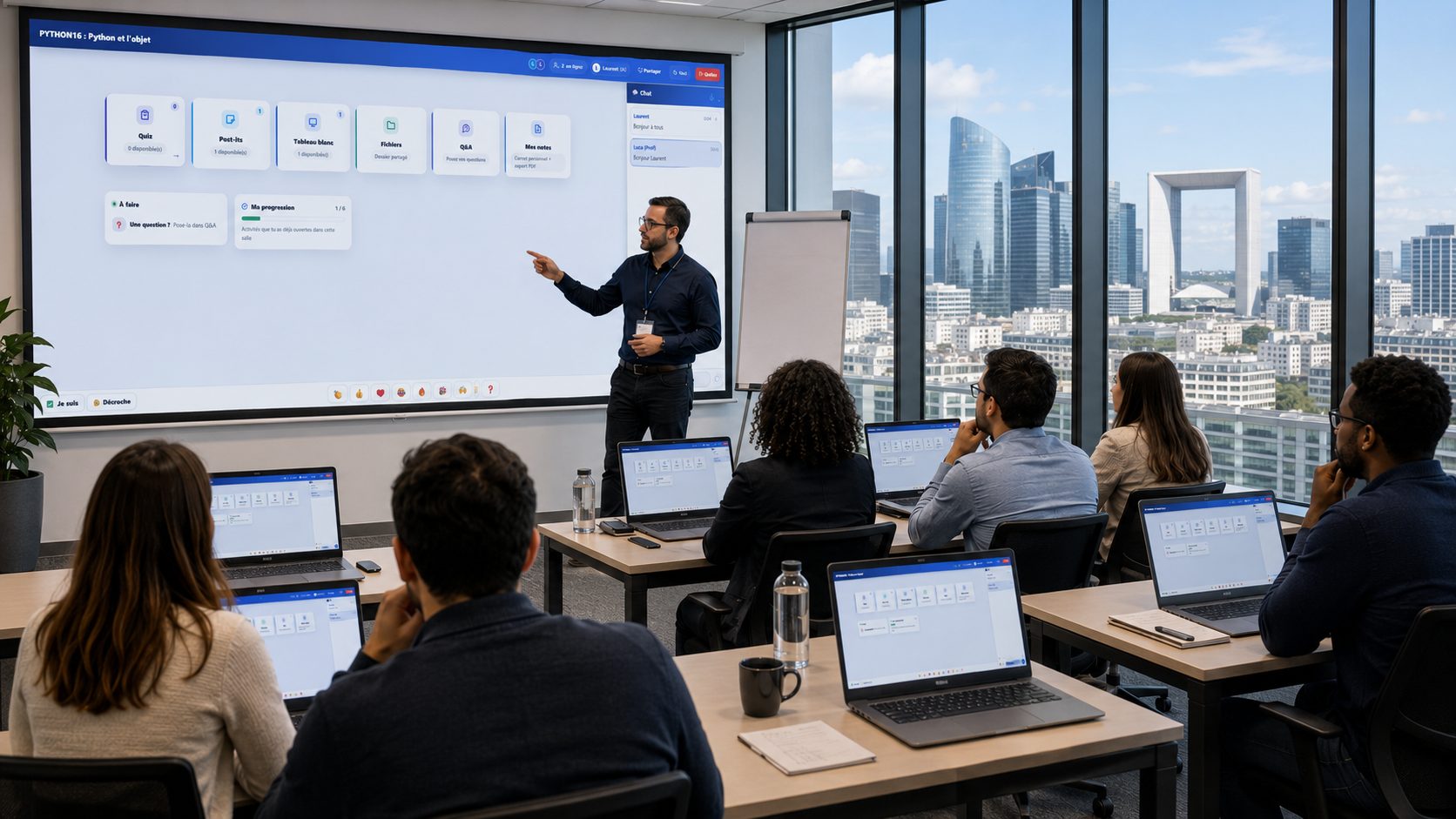
A virtual classroom is an online space that brings a trainer or teacher together with their participants for a teaching session, whether remote or in person. It mirrors the uses of a physical room: presenting, explaining, questioning, getting people involved.
EduTools' virtual classroom gathers synced slides, quizzes, the whiteboard, chat and document sharing in a single interface. You don't need to juggle several apps: everything is in one place.
For an open workshop or a one-off class, the public room lets anyone with the code join. For ongoing teaching, the private room lets you enrol your participants in advance and track their individual progress, session after session.
You can also protect a room with a password, turn the chat on or off, and customise the header with your logo. The virtual classroom adapts to your context, not the other way around.
EduTools is not a video conferencing tool: it never turns on your camera or your microphone. We would rather say so upfront than let you find out after signing up.
What EduTools brings is what your participants DO during the session: answer, write, draw, post an idea, ask a question. The combination that works best is simple — your usual video tool for voice and faces, the EduTools virtual classroom open alongside for everything else. Your participants only need a code.
Screen sharing, on the other hand, is built in: you broadcast your software or your spreadsheet straight into the room, with no extra tool.
Present a PDF that everyone follows live, with real-time annotations.
Draw and explain visually; your participants see it instantly.
Talk to the whole room or privately, with no separate messaging tool.
Launch quizzes, polls and games without ever leaving the room.
Make your materials available to participants in one click.
Enrol your students and track their progress over time.
Show your software, your spreadsheet or your code: the room follows your screen.
Who is connected, since when, who answered the quiz: all visible live.
Three screens, in the order you meet them: join, take part, keep track.
Your participants type the code and their first name, and they are in the room. No account to create, no software to install.
Quizzes, whiteboard, sticky notes, files, mind maps, Q&A: your participants open a tile and off they go. The chat stays visible throughout the session.
Who is connected, for how long, who answered the quiz, who asked a question. Without leaving the session, and without asking anyone.
One platform instead of your slide deck, your quiz tool, your forms, your file storage and your attendance sheet.
No more scattered tools!
Create your free account in minutes. No credit card, no install required for your participants.
Get started for free →